What Chem Interaction is
Chem Interaction is a practical assistant for MOF chemists. It combines:
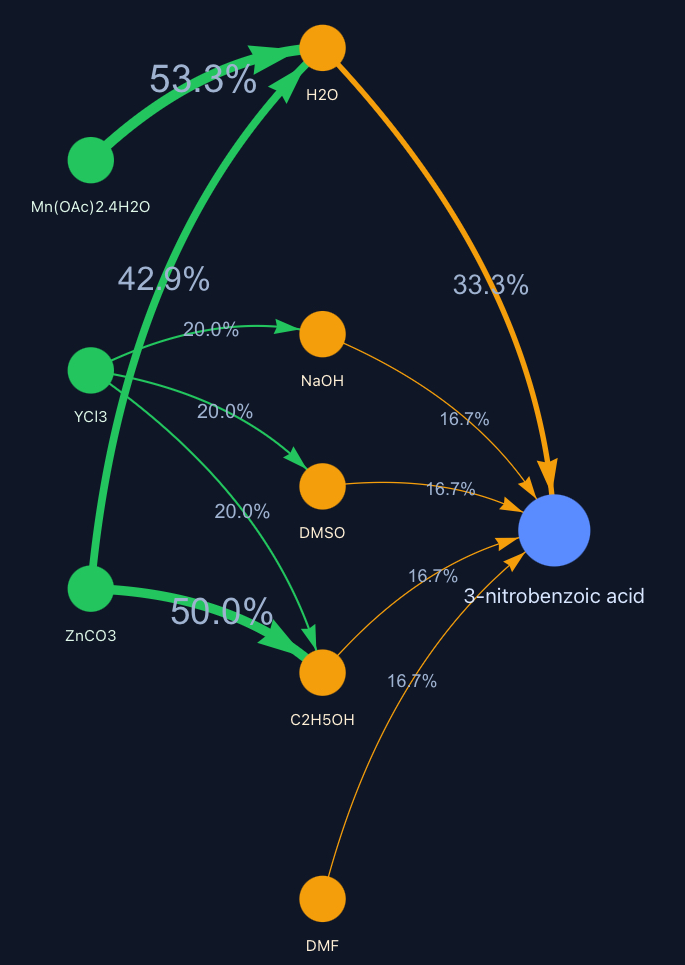
- An interactive network that visualizes how often metals, ligands and solvents appear together.
- A targeted search across a curated FAIR-MOF dataset using text and numeric filters.
- Direct links to publications or CCDC search and vendor pages for procurement.
Three ways to start
Type a ligand name or InChIKey. We resolve names and draw the network around it.
Try ligandsPick a metal salt. See the solvents and ligands it most often appears with.
Try metalsEnter a solvent. We show compatible metals and ligands based on frequency.
Try solventsThe interaction network
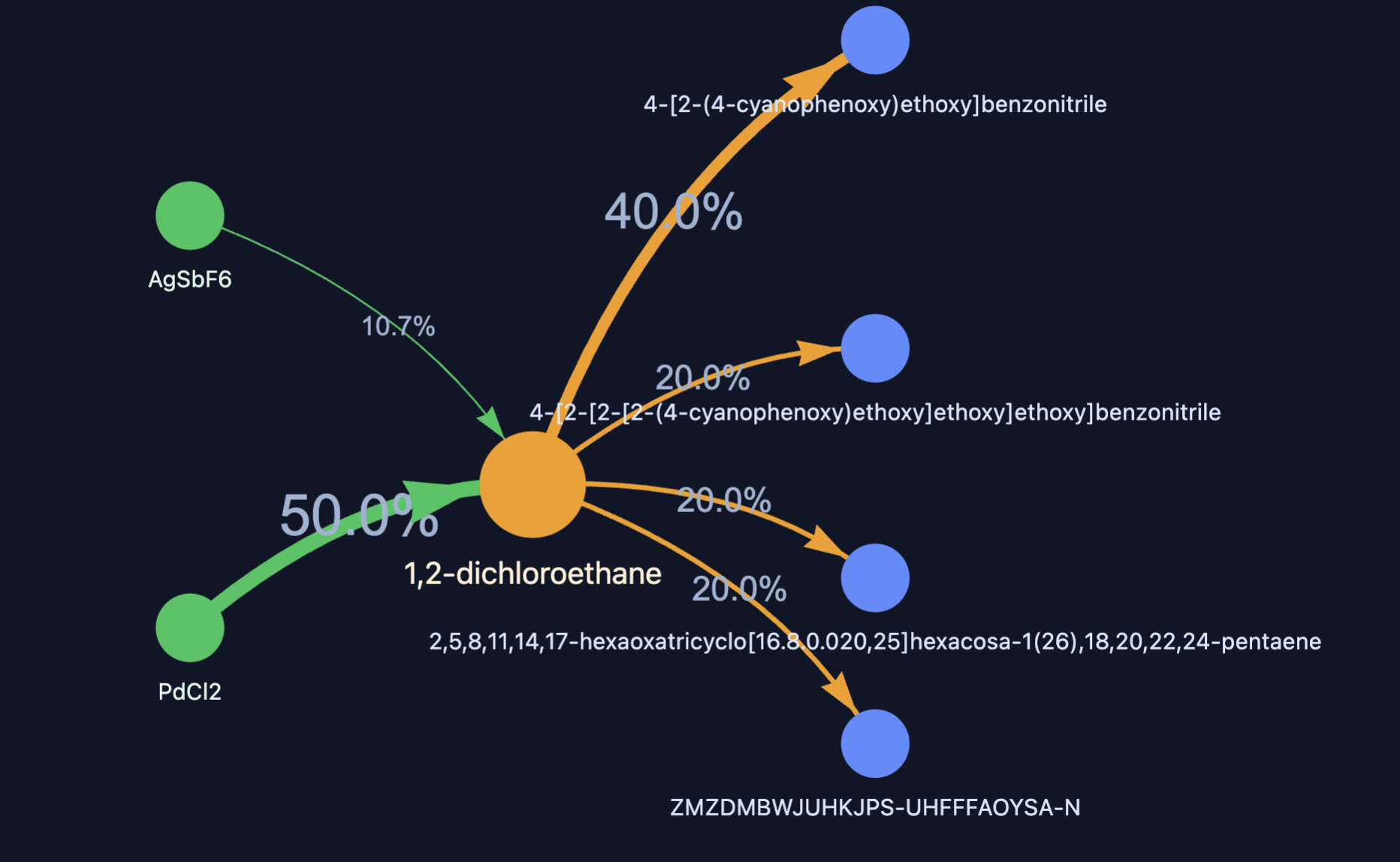
- Arrows flow Metal → Solvent → Ligand so you can quickly spot viable solvent choices.
- Thickness and labels indicate frequency. Higher values point to practical combinations.
- A table lists the same results with quick “Details” to view chemical properties.
- We also surface MOFs synthesized with the selected components and link to their publications.
FAIR-MOF search engine
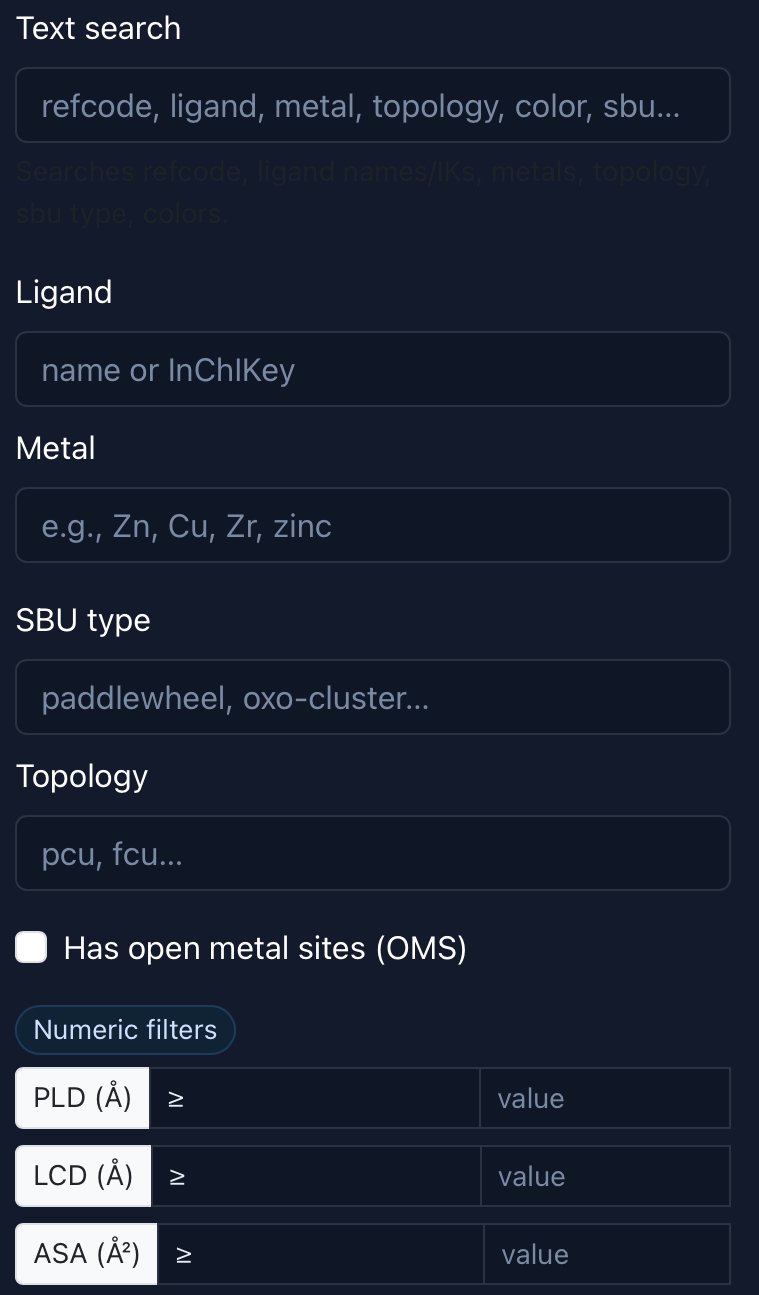
Search by refcode, ligand, metal, SBU type, topology or color. Refine with numeric filters such as PLD, LCD, ASA, AV, density, void fraction and more. Export results to CSV or download CIFs in a single click.
Publications, CCDC and vendors
Each MOF entry includes a link to the publication DOI where available. When a DOI is missing, we provide a direct search into the CCDC database using the refcode or ID so you can reach the original record quickly.
- Download CIFs for selected refcodes
- Export table views to CSV
Chemical details are pulled from PubChem where possible. We also include convenient links to common vendors for quick quotation and ordering.
Quick tips
Enter common names or InChIKeys. We normalize inputs and query multiple services so you don’t have to guess exact spellings.
Strong, frequent connections are a fast indicator of workable combinations. Use the table to move from visual to details.
FAQ
We curate MOF records from the Cambridge Structural Database (CCDC) and text-mine journal articles to extract synthesis conditions. Every crystal structure is mapped to its reported experimental recipe.
We compute a common set of descriptors—PLD, LCD, ASA, AV, density, and void fraction, then deconstruct each structure into its building units (SBUs). Metal centre environments, coordination numbers, and open-metal-site flags are derived directly from the atomic geometry.
Finally, we enrich chemicals with PubChem metadata and normalize names and identifiers. The result is a consistent FAIR-MOF schema that powers the interaction network and the search experience.
We curate MOF records from the Cambridge Structural Database (CCDC) and text-mine journal articles to extract synthesis conditions. Every crystal structure is mapped to its reported experimental recipe.
We compute a common set of descriptors—PLD, LCD, ASA, AV, density, and void fraction, then deconstruct each structure into its building units (SBUs). Metal centre environments, coordination numbers, and open-metal-site flags are derived directly from the atomic geometry.
Finally, we enrich chemicals with PubChem metadata and normalize names and identifiers. The result is a consistent FAIR-MOF schema that powers the interaction network and the search experience.
Ready to explore?
Pick a starting point. You can switch flows anytime.